

Description
Download Atrise Lutcurve – Monitor Calibration, Gamma Correction, Display Settings, Color Balance, CRT and LCD Support
Overview
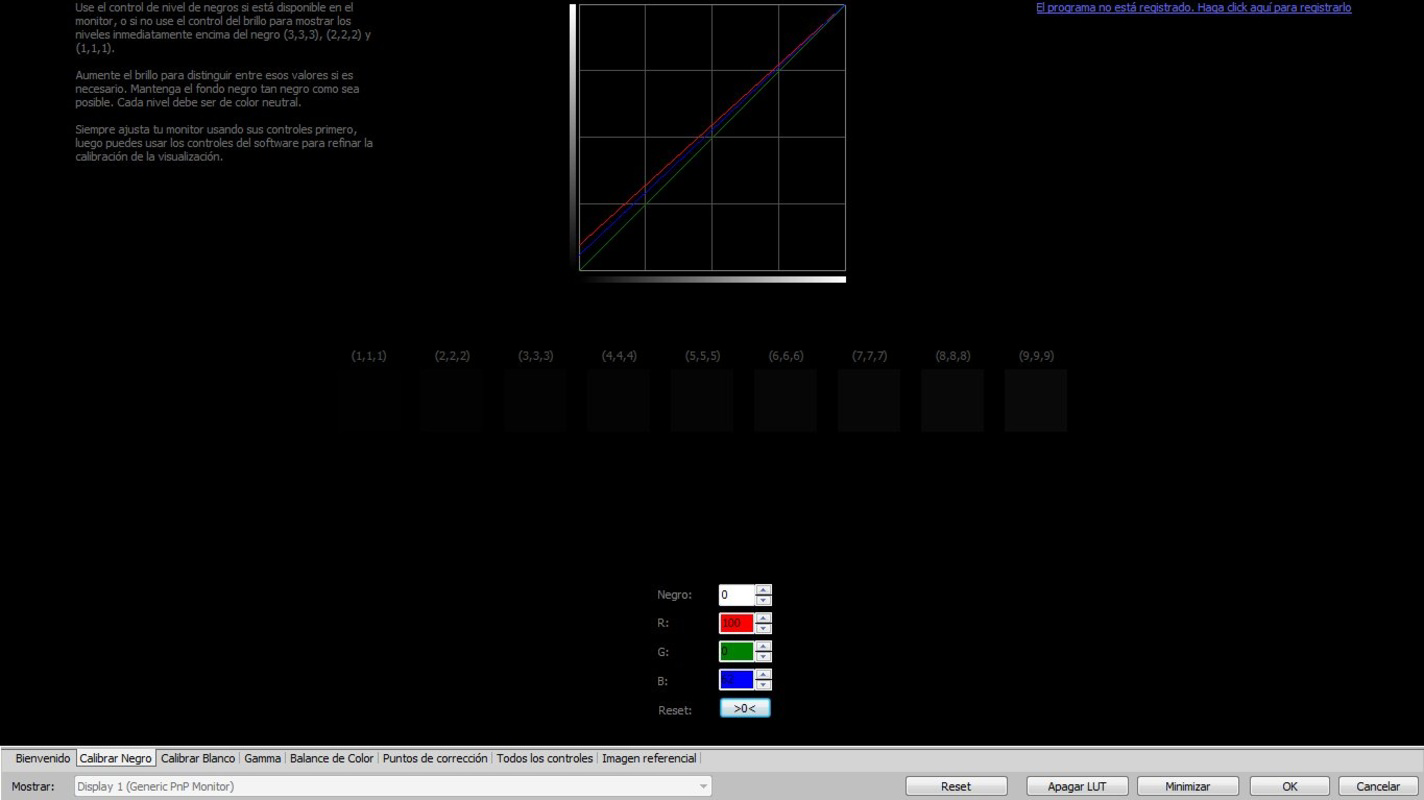
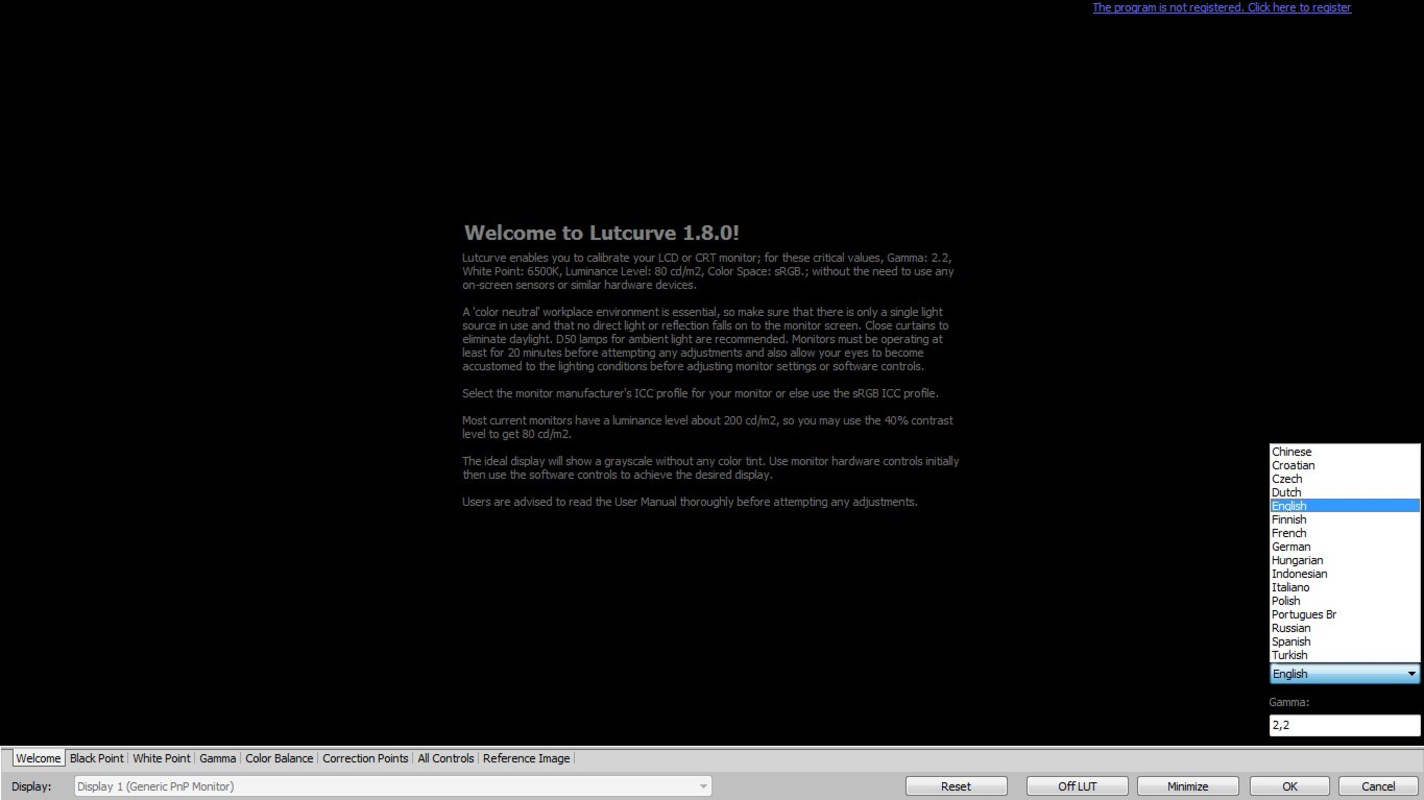
Atrise Lutcurve is a specialized utility designed for users seeking precise control over their monitor’s display characteristics. Tailored for both professional and enthusiast users, the application enables accurate calibration of screen settings, including gamma, black point, white point, and color balance. It supports both modern LCD and legacy CRT displays, making it a versatile solution for users working with diverse monitor technologies. The software is rooted in scientific methodology, drawing from the research outlined in the article "Measurement of display transfer characteristic (gamma)" by A. Roberts, which ensures that the calibration process is not only effective but also reliable. This foundation lends credibility to the tool, positioning it as a serious option for those who demand accuracy in visual output.
Real-world use cases include graphic design, photo editing, video production, and any environment where visual fidelity is critical. The app is particularly valuable for users working with older CRT monitors that may not respond well to standard calibration tools. By allowing infinite calibration points, Atrise Lutcurve adapts to irregular display behaviors, offering a customized solution for non-standard screens. Despite its niche focus, the tool plays a meaningful role in the utilities ecosystem by providing a high-precision, software-based alternative to expensive hardware calibration devices. The developer, Atrise, has established a reputation for creating technically robust tools, though specific details about the company were not provided.
Key Features & Functionality
- High-Precision Calibration: Atrise Lutcurve enables fine-tuned adjustments to gamma, black point, white point, and color balance without requiring external hardware. This allows users to achieve optimal visual accuracy directly from their system.
- Comprehensive Variable Control: The software provides full access to multiple display parameters, giving users granular control over how their screen renders images and videos under various lighting conditions.
- Scientifically Backed Methodology: Calibration techniques are based on established research, ensuring that adjustments are not arbitrary but grounded in measurable display characteristics.
- Infinite Calibration Points: Unlike standard tools that offer fixed calibration steps, Atrise Lutcurve allows users to define an unlimited number of calibration points, which is especially useful for older or non-linear displays.
- Universal Display Compatibility: The tool supports both LCD and CRT monitors, expanding its usability across different generations of display technology.
For example, a photographer working in a dimly lit studio can use Atrise Lutcurve to adjust the black point and gamma to match their ambient lighting, ensuring accurate color representation. Similarly, a video editor using a CRT monitor can fine-tune the display’s response curve using infinite calibration points to compensate for aging components. These features make the app highly effective for users who prioritize visual consistency and accuracy.
Interface, UX & Performance
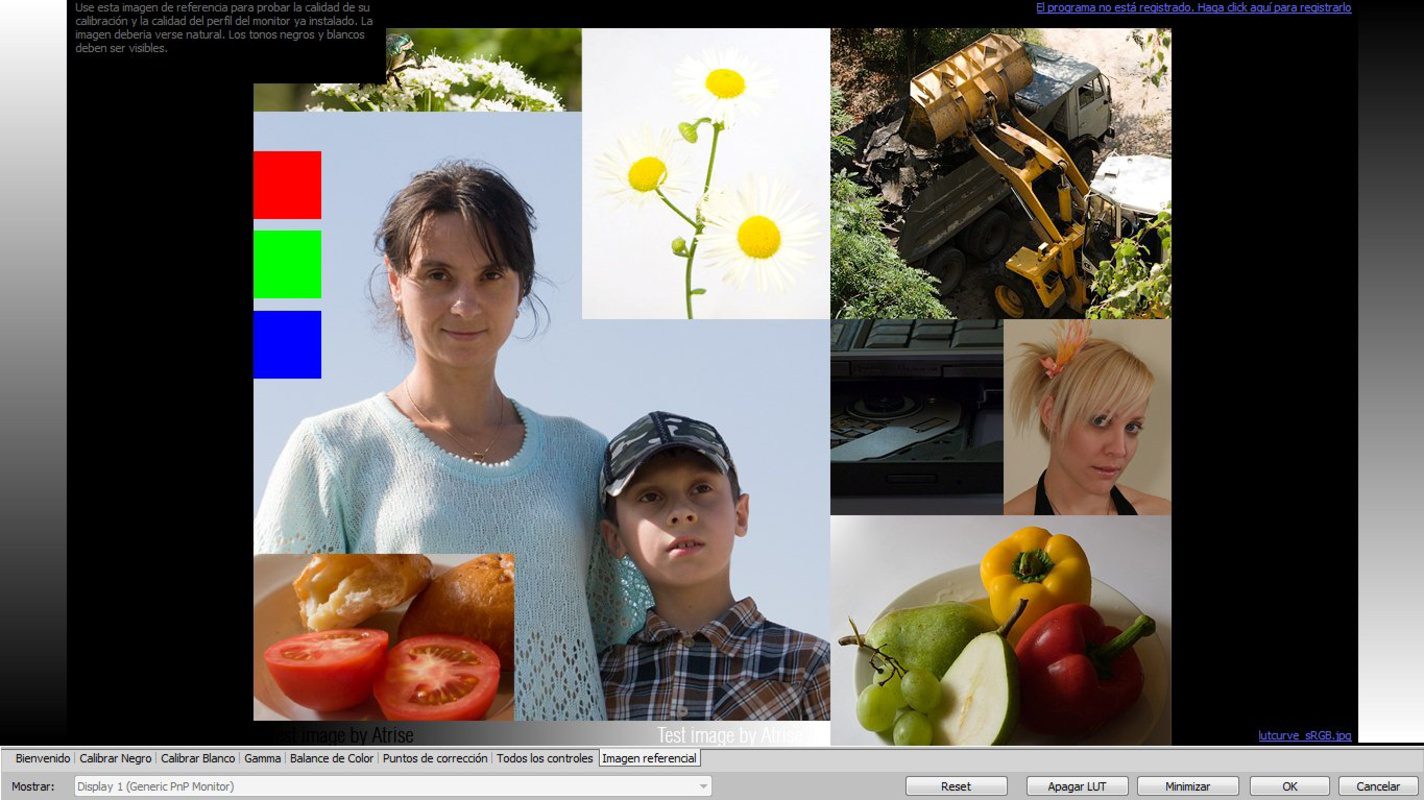
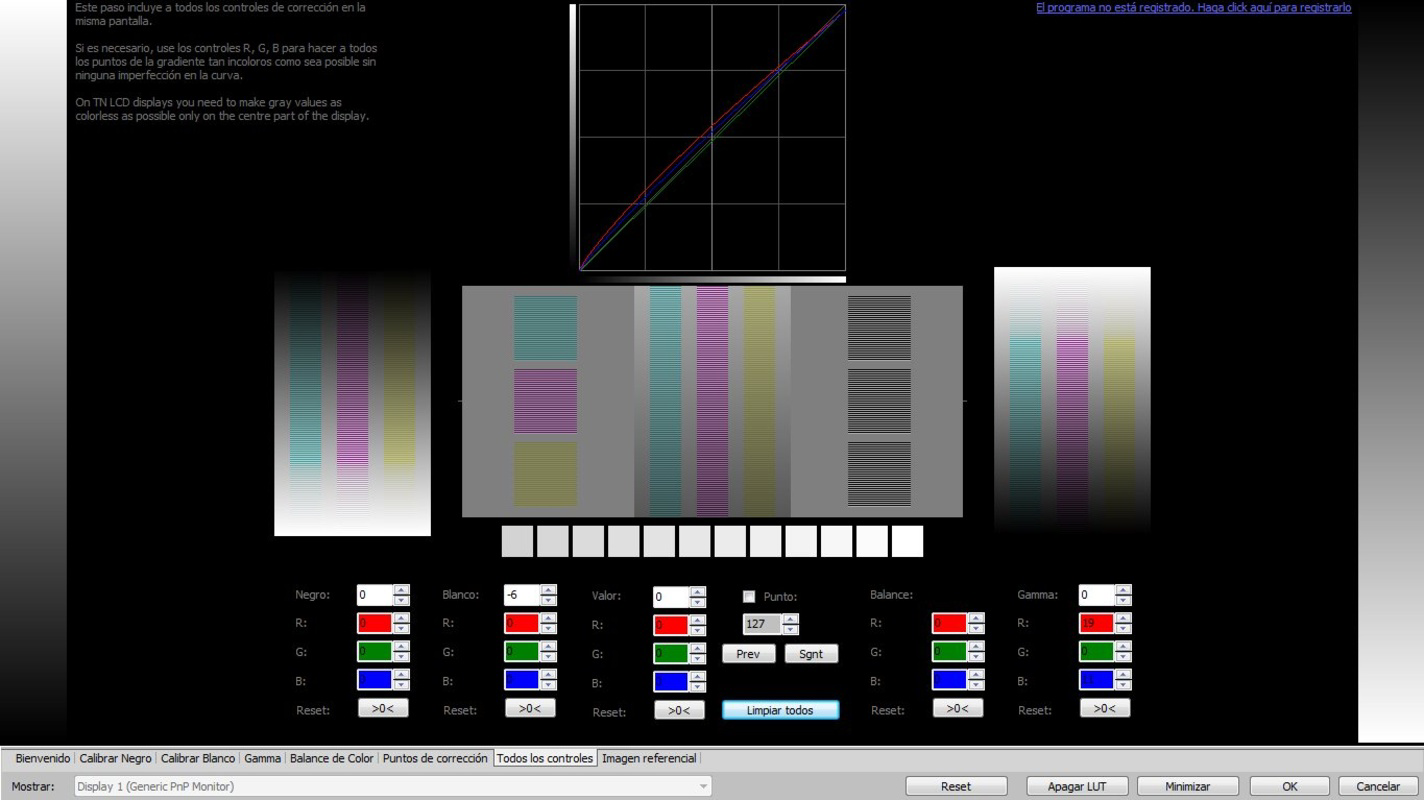
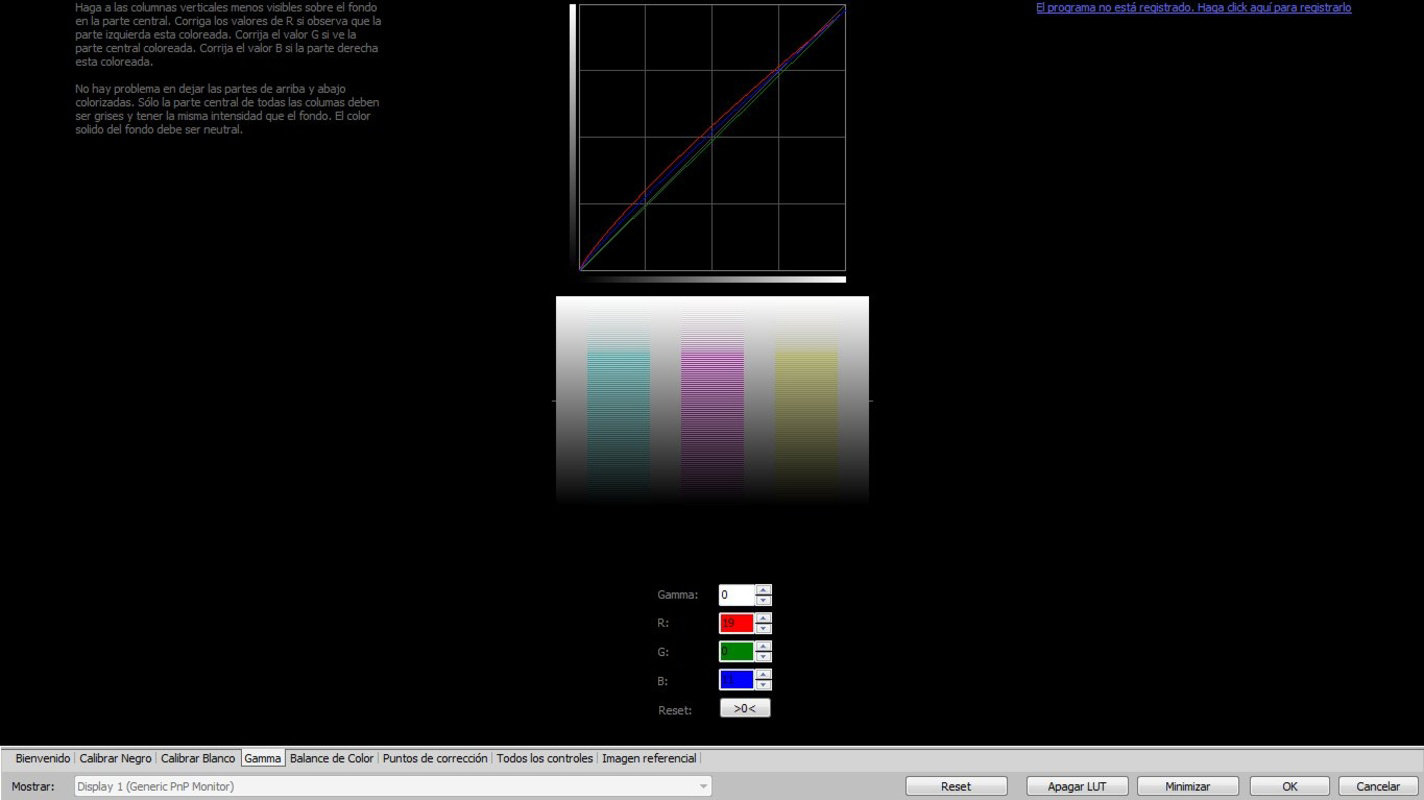
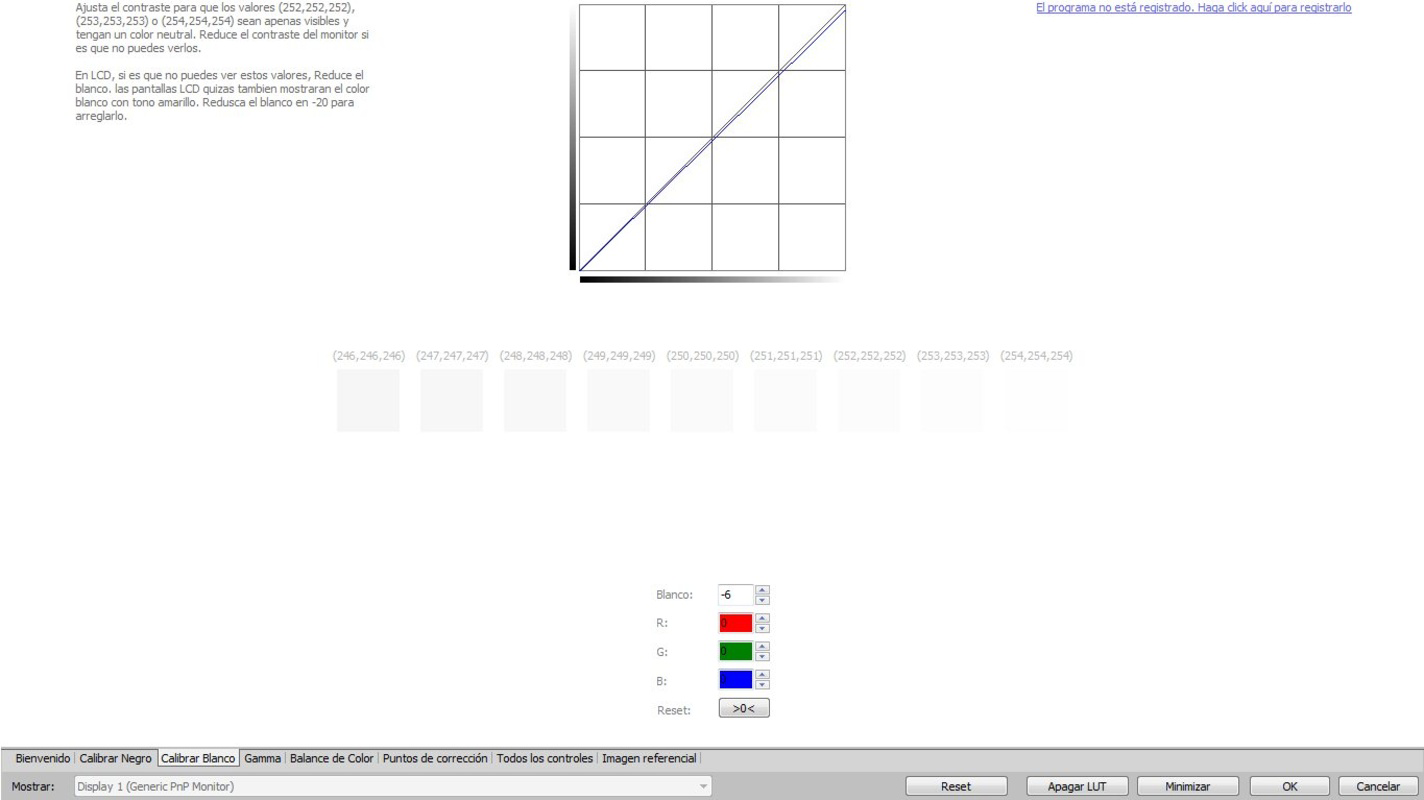
The user interface of Atrise Lutcurve is designed with functionality in mind, prioritizing clarity and direct access to key calibration tools. While the exact layout is not detailed in the provided information, the software’s focus on precision suggests a clean, parameter-driven interface that allows users to adjust settings with minimal distraction. Navigation is likely structured around a central calibration workspace, with visual feedback presented through test patterns and color gradients.
Although the developer did not list formal performance metrics, the app’s lightweight footprint of 3.3 MB indicates efficient resource usage. This suggests it runs smoothly on a wide range of Windows systems without causing system lag or memory strain. Responsiveness is expected to be consistent, particularly during calibration sessions involving real-time adjustments. Stability is likely maintained through its reliance on software-level color correction rather than complex external dependencies. The app’s performance on older hardware remains plausible, given its long-standing release date and modest size. However, specific compatibility details for different Windows versions were not disclosed.
Platform Compatibility & Technical Requirements
Atrise Lutcurve is designed for the Windows platform and is available in version 1.0.0. The application has a file size of 3.3 MB, indicating a lightweight and efficient design. This small footprint suggests minimal system resource consumption and quick installation times. However, the developer did not specify minimum OS requirements, making it unclear which versions of Windows are supported. Users may need to test compatibility on their specific system configurations.
Given the app’s release date of October 27, 2014, it may not be optimized for the latest Windows updates or newer hardware architectures. Nevertheless, its continued availability suggests it remains functional on legacy systems. No information was provided regarding required graphics drivers, screen resolution, or additional software dependencies. Users should ensure their system meets general Windows compatibility standards for running desktop utilities. For those seeking a stable, low-overhead calibration tool, Atrise Lutcurve presents a viable option despite its age.
Pros and Cons
Pros
- High-precision software-based calibration without external hardware
- Support for both LCD and CRT monitors
- Scientific foundation enhances reliability and credibility
- Allows infinite calibration points for customized display tuning
- Lightweight at only 3.3 MB
Cons
- Developer did not provide detailed system requirements or OS compatibility
- App was released in 2014; may lack support for modern Windows features
- No information on updates or future development plans
- Interface design and user guidance details were not disclosed
- Price point of $15.00 may be considered high for a niche, outdated tool
FAQ
Is Atrise Lutcurve safe to download and install?
Yes, the application is a legitimate utility developed by Atrise. As with any software, users should download it from trusted sources to ensure integrity.
Can I use Atrise Lutcurve on modern Windows systems?
While the app was released in 2014, its lightweight nature suggests it may run on current Windows versions. However, compatibility is not guaranteed, and users should verify functionality on their system.
Does Atrise Lutcurve require external calibration hardware?
No, the software performs calibration entirely through software adjustments, eliminating the need for expensive hardware devices.
Is the app available for macOS or Linux?
The developer did not provide information on cross-platform availability. The app is confirmed for Windows only.
How often should I recalibrate my monitor using Atrise Lutcurve?
Calibration frequency depends on usage and environmental changes. For consistent results, users may recalibrate every few months or when significant lighting conditions change.
Final Thoughts
Atrise Lutcurve stands out as a niche but powerful tool for users who demand precision in monitor calibration. Its scientific foundation, support for both CRT and LCD displays, and ability to define infinite calibration points make it a unique solution in the utilities space. While its age and lack of updated documentation may raise concerns, its lightweight design and proven methodology offer lasting value for professionals and enthusiasts working with older or non-standard displays. For those seeking a reliable, software-driven calibration tool without the cost of hardware, Atrise Lutcurve remains a compelling option. Despite its limitations, the app delivers on its core promise: accurate, customizable display tuning.
Download Atrise Lutcurve now
Guides & Tutorials for Atrise Lutcurve
How to install Atrise Lutcurve
- Click the Preview / Download button above.
- Once redirected, accept the terms and click Install.
- Wait for the Atrise Lutcurve download to finish on your device.
How to use Atrise Lutcurve
This software is primarily used for its core features described above. Open the app after installation to explore its capabilities.
User Reviews for Atrise Lutcurve 0
No reviews found


